Technical Basics, Safety & Care
Power Bank Certification Explained: Read Labels With Confidence
21st Sep•9 min read
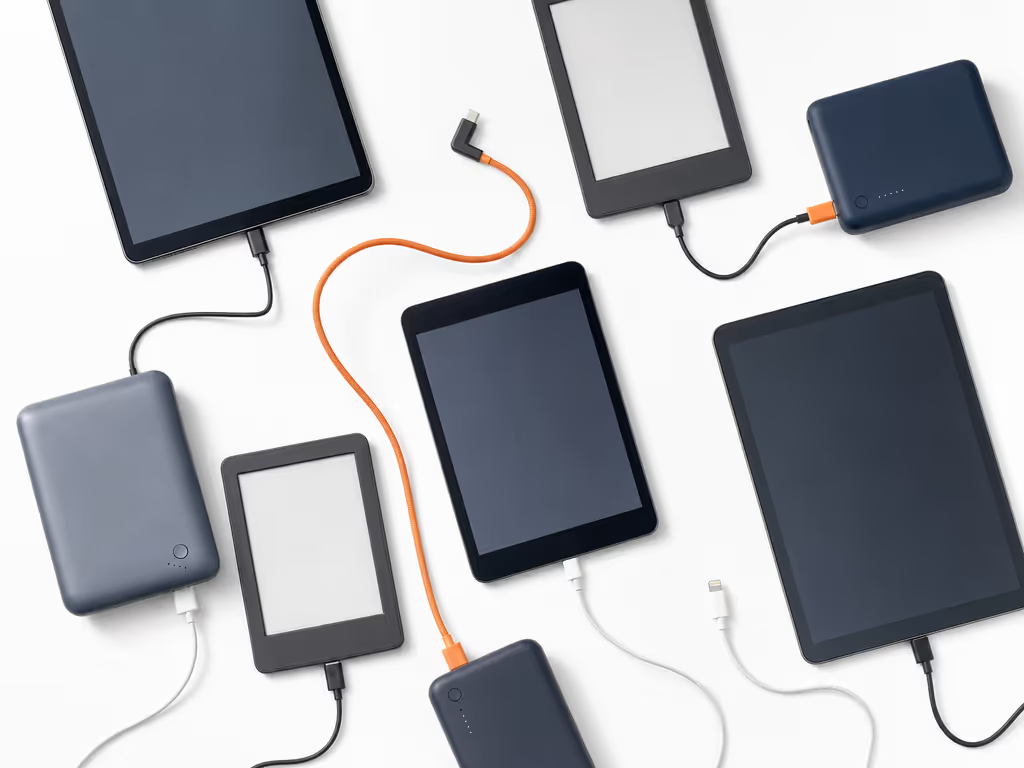
Choose a power bank by matching your exact tablet or e-reader’s documented charging method and input requirements with the bank’s documented output. A USB-C connector alone does not establish USB PD support, a particular wattage, or a particular charging result.
Important: The collected material does not provide a universal recommendation for capacity, wattage, recharge counts, or brand; model-specific documentation remains decisive.
A power bank for a tablet and a power bank for an e-reader should be chosen from the device's documented charging requirements. For this guide, "compliant" means that the bank, cable, and device have clearly documented USB charging capabilities that match. That is deliberately narrower than a claim about airline, legal, or safety certification compliance, which must be checked against the current authority or carrier policy.
A USB-C port is a connector type, not a promise of USB Power Delivery (USB PD), a particular wattage, or a particular charging result. The practical objective is simpler: verify what your tablet or reader accepts, then select a bank whose documented output supports it. Airline-ready means documented, but documentation also prevents the more ordinary failure: carrying a battery that cannot charge the device when you need it.
Start with a three-part acceptance check. It reduces the chance of buying capability you cannot use, or missing capability you need.
Look up the exact model's technical specifications or manual and record:
For example, Apple's cited iPad Pro specifications state that current iPad Pro models can charge through a power adapter or a USB-C computer system. Apple also states a model-specific fast-charge condition: charging to up to 50% in around 30 minutes requires its 40 W Dynamic Power Adapter with 60 W maximum, or another USB-C adapter capable of 60 W or higher. That is useful evidence for those specific iPad Pro models, not a tablet-wide requirement.
E-readers need the same model-by-model discipline. Within one product family, charging features can differ. At launch, the 2021 Kindle Paperwhite was reported to add USB-C charging, while wireless charging was reported for the Signature Edition. Treat that as a historical example of why the suffix and generation matter; do not assume it describes every Kindle or e-reader.
USB PD is a charging protocol that provides flexible power delivery and data over one cable. USB-IF describes it as allowing connected devices to take the power they require and obtain more when an application requires it. That does not mean every USB-C device supports USB PD.
Your acceptance criterion is:
The power bank's stated output modes must include the charging capability your exact device documentation calls for.
If the device documentation does not specify USB PD or a fast-charge requirement, do not buy a higher-output bank on the assumption that its maximum rating will create a faster charge. USB PD Revision 3.1 can enable up to 240 W only with the specified full-featured USB Type-C cable and connector arrangement; that maximum is neither a typical tablet requirement nor an automatic result of using USB-C.
Use a cable appropriate to the documented device and bank ports. For USB PD Revision 3.1 applications up to 240 W, USB-IF specifies a full-featured USB Type-C cable and connector arrangement. When a purchase claims USB-PD compliance or displays a relevant certification logo, check the maker's documentation and, where relevant, USB-IF compliance resources and its Integrators List.
Yes, conditionally. A tablet can be charged from a portable power source when its documented charging input and the bank's documented output are compatible. USB PD provides flexible power delivery and data over one cable, but the connector alone does not settle compatibility.
A compact decision table keeps the purchase grounded in evidence:
| Your finding in the device documentation | What to require from the bank |
|---|---|
| It charges by USB-C or from a USB-C power adapter | A documented USB-C output compatible with that charging method |
| It explicitly requires or supports USB PD for the result you want | A documented USB-PD output mode that matches |
| It publishes a particular fast-charge adapter condition | A bank and cable documented to meet that condition |
| It documents a different connector or charging approach | Do not assume USB-C output will work; verify the supported path first |
The key distinction is between will charge and will reach a particular fast-charge result. A bank might satisfy the first outcome but not the second. For field work, conference days, and long reading sessions, define which outcome matters before comparing capacity.
For the cited iPad Pro models, Apple publishes battery energy in watt-hours (Wh). Record any published Wh value alongside a bank's mAh rating, but do not treat a bank's printed mAh figure as a promised number of full charges.
Apple lists a 31.29 Wh built-in battery for the cited 11-inch iPad Pro and 38.99 Wh for the cited 13-inch iPad Pro. Those figures demonstrate two important points:
For a practical method of converting capacity ratings into expected device charges, see this guide to real-world power bank capacity. One power-bank seller says that stepping internal 3.7 V cell voltage up to 5 V output can lose approximately 10-20% of energy. That is the seller's own conversion-loss estimate, not an independent benchmark, but it illustrates the right purchasing caution: rated internal capacity is not identical to energy delivered to your device.
Before buying, make a short record with only documented values:
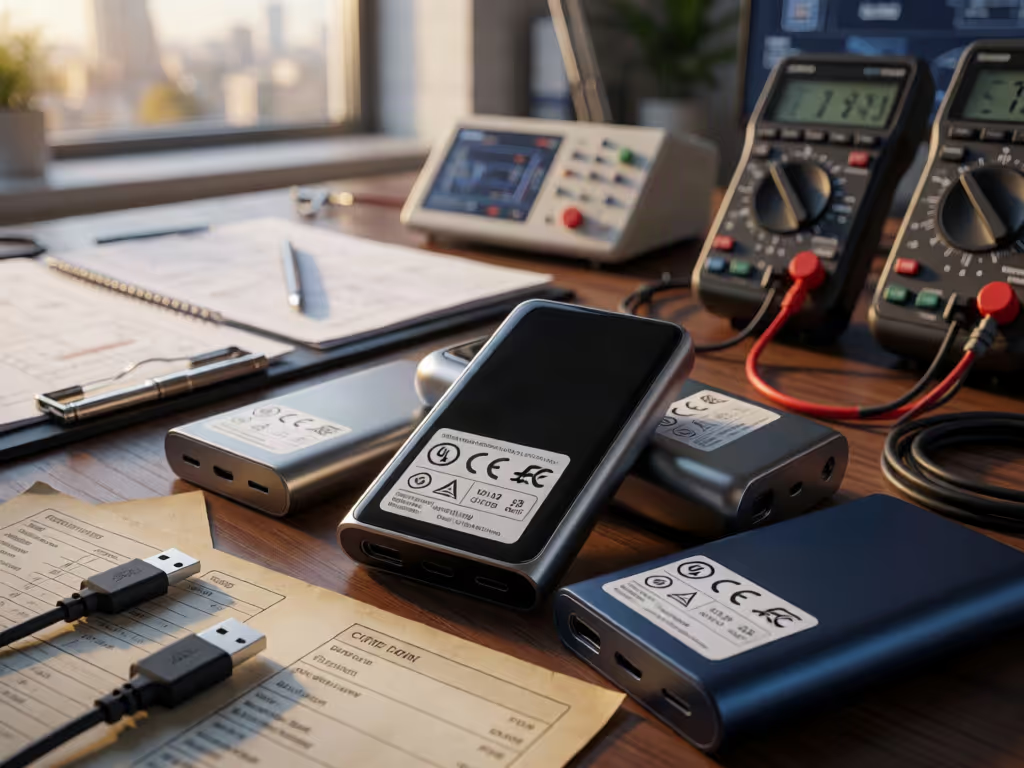
If the seller does not make the output modes and energy labeling easy to find, the comparison is incomplete. I have seen a missing Wh line turn a checkpoint into an avoidable delay; clear markings are not cosmetic. Safety paperwork and labels are features, not afterthoughts.
The collected material does not establish a general capacity recommendation for e-reader backups. Start with the specific reader's charging port and its expected use, then choose based on documentation that supports your own recharge objective.
The collected material does not provide a universal capacity recommendation for tablets versus e-readers or a universal estimate of full-device recharges. It also does not document consumer power-bank low-current modes, auto-shutoff thresholds, or reliable compatibility with very low-draw e-readers. For a low-draw e-reader, check the bank's own documentation before relying on it.
That limitation matters for low-power device charging. A reference-design manual may discuss trickle-charging its internal battery at low current, but that does not prove that a consumer power bank can maintain output to an e-reader. Keep the two behaviors separate.
The collected material does not provide a universal answer in hours, days, or number of charges. It does show that a bank's rated internal capacity is not necessarily identical to energy delivered at its output: one seller says conversion from internal 3.7 V cells to 5 V output can lose approximately 10-20% of energy.
Avoid borrowing runtime claims across products. The 2021 Kindle Paperwhite launch reporting cited up to 10 weeks of battery life and a 2.5-hour zero-to-full charge time, but it did not supply usage conditions or test methodology. It is not a benchmark for another reader, a tablet, or a bank.
Use this risk matrix instead:
| Risk | Why it disrupts planning | Mitigation |
|---|---|---|
| Rated capacity is mistaken for delivered energy | Recharge expectations become inflated | Compare published labels; do not promise full charges from mAh alone |
| USB-C is mistaken for USB PD | Expected charging behavior may not occur | Check the exact device and bank documentation |
| Fast-charge claim is treated as universal | A tablet may charge, but not at the intended faster rate | Match the model-specific adapter condition and cable |
| Low-current behavior is assumed | The bank's behavior with a low-draw e-reader is undocumented in the collected material | Seek explicit manufacturer documentation for the bank's behavior |
Before your next trip or workday, pull the technical page for your exact tablet or e-reader and write down its charging method, stated fast-charge condition, and battery Wh if available. Then compare only banks that publish their Wh label and USB output modes clearly.
Finally, verify current airline and carrier rules directly if travel is part of the plan; this is not an airline-policy guide. If you are preparing a tablet or e-reader kit for air travel, use this airline compliance guide for additional travel-specific considerations. The disciplined approach is not glamorous, but it is repeatable: device documentation, bank documentation, cable compatibility, and legible Wh labeling. That is what turns a portable battery from an uncertain accessory into a dependable part of your kit.