Technical Basics, Safety & Care
Power Bank Ports Explained: Choosing USB-C and Built-In Cables
17th Sep•9 min read
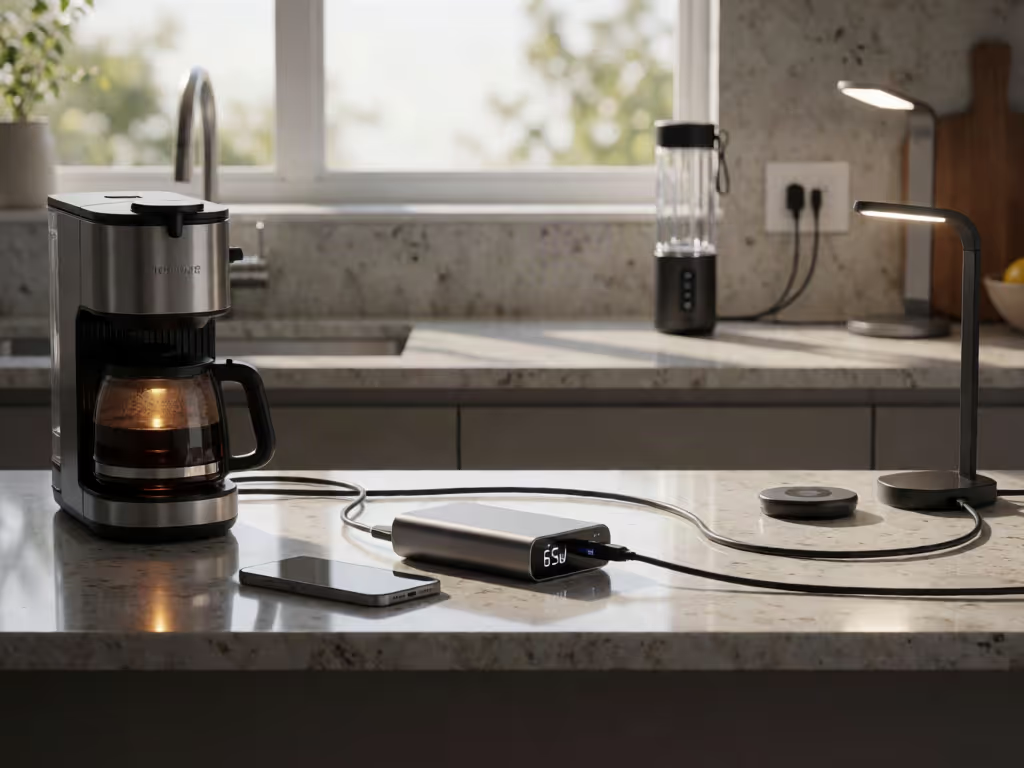
To assess whether a small appliance matches a power source, compare its input type, continuous wattage, and startup demand with the source’s documented output. Then estimate runtime from watt-hours divided by average watts, allowing for conversion and battery losses.
Important: A wattage rating alone cannot predict runtime: mAh must be converted using voltage, and AC operation adds inverter losses.
Power bank wattage limits are easiest to understand when you separate two numbers that listings often blur together: watts (W) tell you what the bank can supply at one moment, while watt-hours (Wh) tell you how much energy it holds. To assess whether a power source can run a small appliance, match the appliance's continuous draw and any startup demand to the source's documented output, then use Wh to estimate how long it can run.
A bank that can charge a laptop is not automatically an appliance power source. Likewise, a portable source with an AC outlet and a USB-C-only bank offer different output types: check the documentation for the port you plan to use.
Measure twice, charge once: check the appliance label, the output-port label, and the cable before connecting anything.
Think of the electrical path this way:
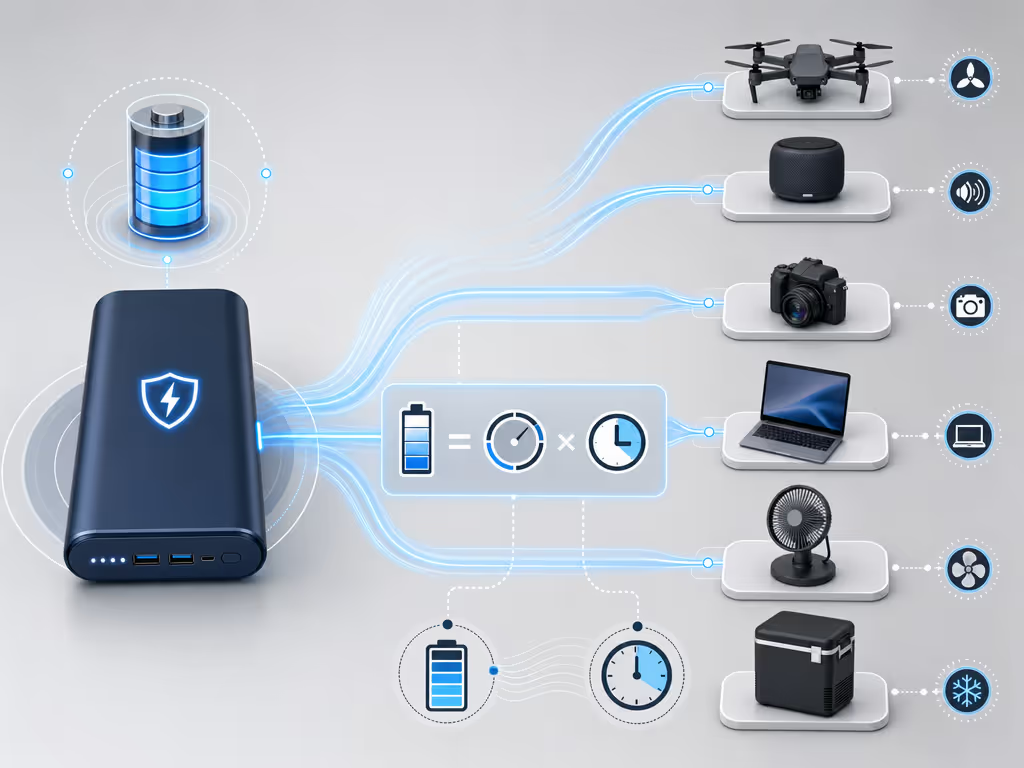
Stored energy (Wh) → output port/inverter → appliance load (W) → runtime (hours)
The conversion is:
Wh = Ah × V
That is why an mAh number alone does not tell you appliance runtime. It omits voltage, and it says nothing about the energy lost or reserved during actual operation.
For a constant load, the ideal first-pass calculation is: For a practical method of translating capacity ratings into expected device runtime, see this power bank capacity calculation guide.
Ideal runtime (hours) = stored energy (Wh) ÷ appliance power (W)
For example, 100 Wh divided by a 20 W constant load produces an ideal estimate of five hours. Treat that as a ceiling for planning, not a promise. A useful real-world estimate must account for usable depth of discharge, battery efficiency, inverter efficiency when using AC, and the appliance's average draw if it varies over time.
Only if the appliance accepts USB-C power and can negotiate a compatible profile with the bank. USB Power Delivery is a negotiated system, not a generic "USB-C equals high power" label.
USB-C bank port → USB-C cable → device requests a PD profile → bank supplies an available profile
USB PD Revision 3.1 enables up to 240 W with a full-featured USB-C cable and connector. That is a capability of the specification, not proof that your particular bank, cable, or appliance supports 240 W. Earlier USB PD was limited to 100 W using 20 V, 5 A USB-C cables. USB-IF also defines higher fixed voltage levels of 28 V, 36 V, and 48 V for higher PD power levels, plus an adjustable-voltage mode for supported equipment.
For practical appliance work, read the labels as a chain:
The cable is a component, not an accessory. I have seen a supposedly fast setup fall back to a slow mode simply because the cable did not provide the needed capability; replacing it made the negotiation predictable immediately.
A USB-powered lamp, fan, or device can be a direct-USB candidate only when its stated input is supported by the port. Do not use an AC-only appliance with a USB-C output just because its wattage looks low.
An AC outlet is a separate output type with its own documentation to check. Electrical Trader’s portable-power-station guide describes two figures to examine:
Do not substitute one for the other. A device can fit beneath a surge number and still exceed continuous capability once it is running.
The portable-power-station guide describes the distinction this way: continuous watts cover steady use, while surge watts handle brief startup demand. One inverter-charger manual, for the AIMS Global LF Series, provides a particularly clear but model-specific illustration: it states 300% of continuous output for up to 20 seconds in inverter mode, with different shutdown timings at overload levels. Those figures are not a rule for every station, and they say nothing about a typical USB power bank.
This matters whenever a load’s documentation identifies a startup demand. The AIMS Global LF Series manual advises switching multiple loads on one at a time to avoid simultaneous starting surges; use the documentation for the exact source to determine its surge behavior.
There is no universal yes/no appliance list because the correct answer depends on the exact appliance label and the source's port type, continuous output, surge rating, and stored Wh.
Here is the decision path:
Appliance label/manual
 ↓
AC input or USB-C/DC input?
 ↓
Running watts + any startup requirement
 ↓
Compare with matching bank/station port documentation
 ↓
Estimate runtime from Wh ÷ average watts
Projector draw varies substantially by technology and settings. For a focused comparison of projector power requirements, including 45 W versus 65 W+ USB-C PD sources, see this portable projector power bank guide. As category context, Valerion lists pico and portable projectors at roughly 15-50 W, while LED home-entertainment projectors are listed at 50-150 W. Use those only to frame the question; the projector's own label or manual is the number that decides compatibility.
For a projector documented to accept USB-C PD, compare its required input profile with the bank and cable documentation. An AC-only projector needs an appropriately rated AC source. Neither path is automatically better without the specifications.
Start with the input type. A USB-powered light or fan may work directly from USB if its stated input is supported. An AC model needs an AC outlet and must remain within that outlet's documented continuous limit. If its power changes by speed or brightness, plan from expected average draw rather than assuming the lowest setting.
A refrigerator is the least suitable item to assess from a wattage number alone. A portable-power-station guide specifically advises comparing a portable fridge's initial power spike with the station's surge rating. You also need its running demand and desired runtime.
No. Power bank overload protection should be treated as a behavior you verify in the documentation for the exact unit, not as permission to overload it.
The evidence available for inverter behavior is product-specific: the AIMS manual describes fault-and-turn-off behavior after defined overload durations for that series. The available evidence does not establish a universal threshold, timing, or recovery rule for power banks and stations.
The safer operating rule is simple:
Choose wattage by matching the device’s power requirements with what the bank can deliver through the specific port, cable, and protocol.
For USB-C equipment, identify the device's accepted PD input, then find a bank port that explicitly provides a compatible profile. For AC appliances, start from the appliance's continuous demand and any startup requirement, then choose an AC-capable source with documented limits that cover both. Finally, size energy in Wh for the operating time you actually need.
A higher headline wattage does not repair a missing protocol, an insufficient cable, an AC-only appliance connected to USB-C, or too little stored energy.
You cannot calculate runtime from 2,000 W alone. That figure describes output power, not stored energy. You need:
A 2,000 W output rating may mean the source can support a load up to that documented continuous level, but it does not reveal whether it stores enough energy to run that load for minutes or hours.
Before buying or packing, make one row per device:
Device → input type → running W → startup need → required PD profile/cable → target runtime
Then compare it against the bank or station:
Source → port label → continuous W → surge details → stored Wh
That small matrix turns vague "fast" or "high-wattage" claims into a checkable plan. Start with the appliance manual and the power source's own output documentation; where USB-C is involved, add a correctly rated cable to the calculation. Predictable power begins upstream, at the port and cable selection, long before you press the appliance's power button.