Product & Brand Comparisons
Anker Nano vs Xiaomi UltraThin: Which Compact Power Bank Is Better?
19th Jul•11 min read
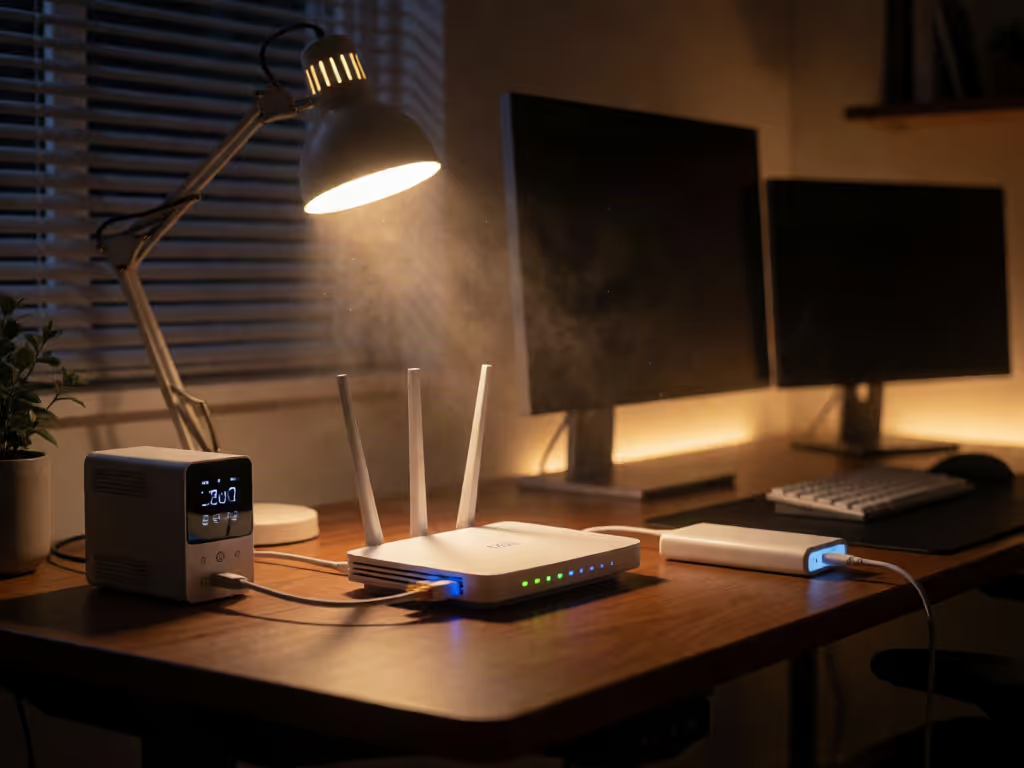
A dedicated mini UPS and a power-bank setup can both work for router backup when their outputs match the router.
Important: Neither option has a universal runtime advantage here. Cuzor’s “up to” figure and the retailer-listed Oakter “up to” figure are not head-to-head comparable, so run a timed test with your own router before relying on either setup.
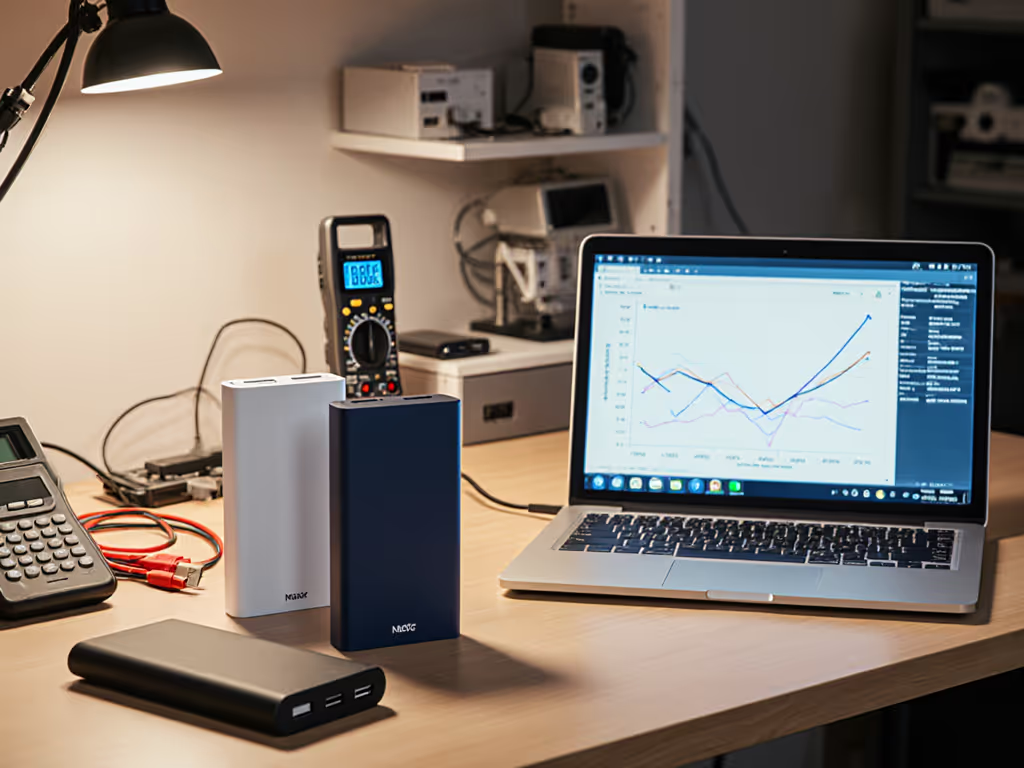
Choosing between a mini UPS for WiFi router and a power bank for WiFi router is not mainly a capacity-label decision. It is a compatibility and runtime decision: does the backup setup match the router's electrical requirements, and does it run for as long as your actual network load requires? A dedicated mini UPS can be a purpose-built option for router backup power. A USB power bank can be useful, but only after you verify the electrical path from bank to router.
For broader guidance on safe power-bank selection, storage, and use, see this power bank safety guide. Voltage, available current, barrel connector size, polarity, and conversion hardware all need checking.
If it fails cold, it fails when you need it. The same thinking applies indoors: test the complete system under a realistic load before treating a label as a runtime estimate.
If your router uses a DC barrel connector and your power bank offers USB output, the connection may require conversion hardware. That mismatch is why the electrical path deserves careful checking.
Publisher guidance describes dedicated DC router UPSes as having DC barrel-jack outputs, automatic recharging, and, in some designs, voltage selection. Check the documented outputs and your router's input requirements before connecting either device.
A standard USB power bank takes a more improvised path. If it lacks the router's required DC output, you need a DC step-up cable to convert USB power to the router's DC requirement. That may be workable, but it adds another component whose output regulation and connector details must match the router.
Here is the practical distinction:
| Your real requirement | Better starting point | Why |
|---|---|---|
| Keep one compatible router connected through routine outages | Dedicated mini UPS | Confirm that its documented output matches the router. |
| Use a power bank with a router | Power bank plus verified DC cable | Compatibility must be established first. |
| Avoid a USB-to-DC conversion path | Dedicated mini UPS | Dedicated DC router UPSes may provide barrel-jack outputs. |
| You already own a power bank and need backup | Power bank, conditionally | It can be viable only with matched voltage, current, connector, and polarity. |
| You need a proven runtime number for your own network | Either (after testing) | The Cuzor and retailer-listed Oakter “up to” claims do not substitute for a load test. |
The key word is starting point. There is no controlled, like-for-like evidence here showing that every dedicated mini UPS outlasts every power-bank arrangement. Your router and the specific hardware decide the outcome.
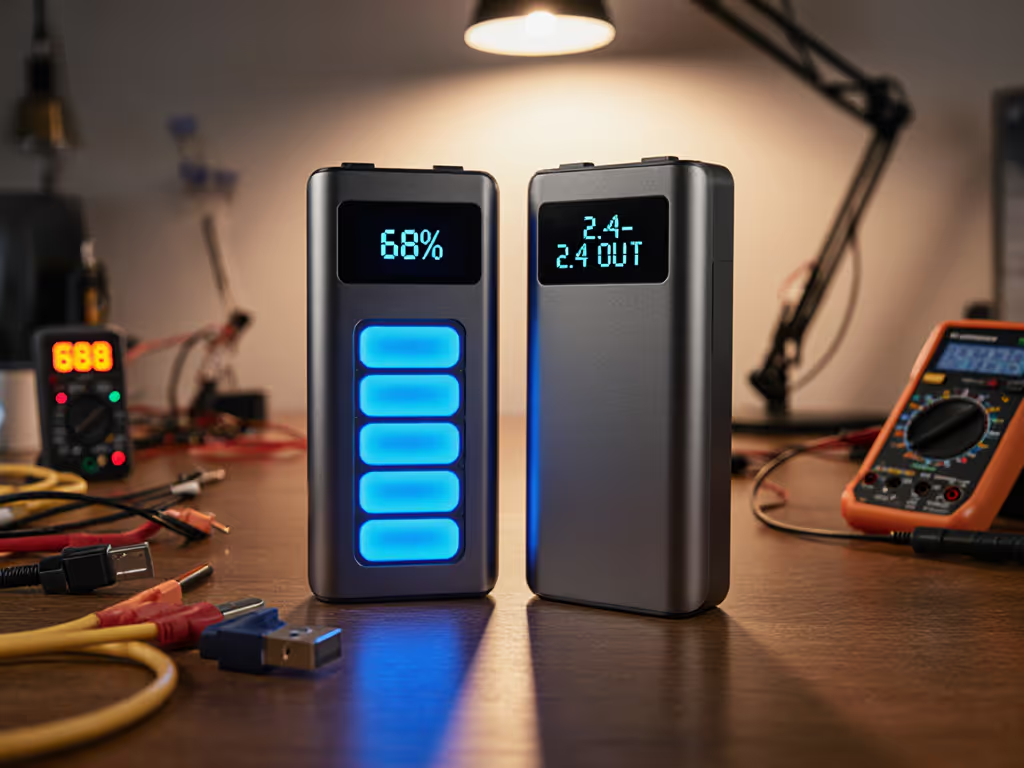
A power bank may look generous on paper, but the router does not run on a marketing number; it runs on the power delivered at its input.
Start with the label on the router or its manual. Record:
These are non-negotiable checks for both a mini UPS and a power-bank cable setup. Verify the source's available current, required voltage, connector, and polarity against the router's documented requirements. Do not assume two barrel plugs that appear similar are interchangeable.
The adapter label also does not tell you the router's exact operating draw. Measured examples show why: one report observed an AVM Fritzbox 7490 at 9–11 W, a Technicolor TC7200 cable modem router at 11.4–13 W, and a MikroTik RouterBoard RB951G at 3–4 W under the report's operating modes. Those figures belong to those named devices, not to routers as a class. They do show that "router" can mean very different loads.
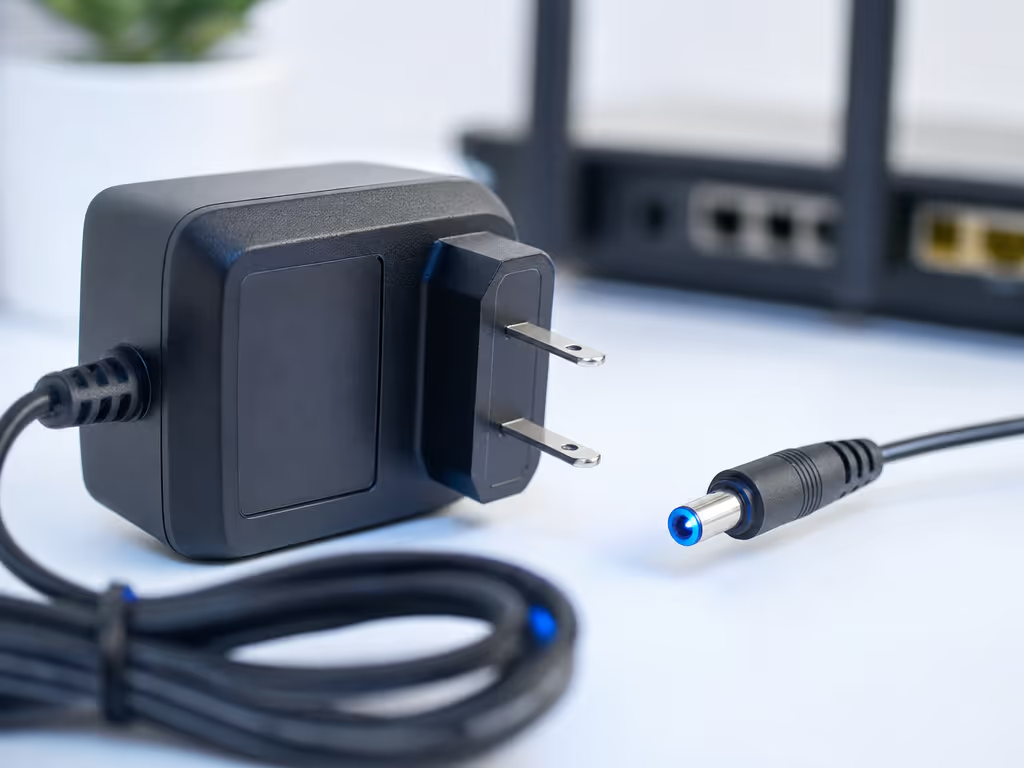
With a power bank, the cable is not a passive accessory. It is the device that must provide the intended output to the router. Publisher guidance recommends choosing a regulated step-up cable with overvoltage protection when the bank does not have native 12V DC output.
That means a vague listing such as "USB to 12V router cable" is not enough information to trust. Before buying or connecting one, confirm that its specified output matches the router's label, including the connector and polarity. Also recognize that conversion losses reduce the energy that reaches the router. The cable's documented output and regulation are part of the compatibility check. For more on related battery hardware, see this battery management system comparison. A power bank setup should therefore be treated as a measured system, not as a simple capacity swap. To translate capacity ratings into realistic device runtime, use a power bank capacity calculation guide rather than relying on mAh alone.
Cuzor’s runtime statement may be useful, but it is not an independently measured result for your router. The retailer-listed Oakter “up to” figure and Cuzor’s “up to” figure cannot be compared as if they came from the same test conditions.
For example, Cuzor identifies its Mini UPS Pro as a 12V model for routers rated up to 3A, with a manufacturer-listed compatibility range from 12V/0.5A through 12V/3A. Cuzor states a battery configuration of three 2900mAh batteries and claims up to eight hours of backup, while also noting that backup depends on the UPS model and the router's current consumption. That may make it a sensible candidate for a matching 12V router, but it is not an independently measured eight-hour result for your router.
Cuzor also claims "zero lags" when switching from mains to battery. Treat that as a manufacturer claim, not as a measured transfer-time specification. If uninterrupted connectivity matters, test it with your equipment.
The most reliable home internet power backup plan starts with the desired outcome. Are you protecting against short interruptions? Covering a longer, known outage window? Or trying to use a portable bank you already own? Those are different jobs.
| Scenario | Recommended approach | Risk note | What to test |
|---|---|---|---|
| Fixed home-office router, frequent short cuts | Dedicated mini UPS | Do not assume the router is compatible because it is "12V." | Simulate a mains loss while the router is in normal use. |
| Router and modem-router with a verified matching DC input | Dedicated mini UPS, sized to the actual devices it will support | Each device needs its own electrical match; do not generalize from one label. | Confirm both devices remain powered if both are part of the setup. |
| A USB power bank with a router | Power bank plus properly verified regulated cable | Conversion hardware becomes a single point of uncertainty. | Run the router from the complete bank-and-cable chain before relying on it. |
| Backup needed only occasionally | Existing compatible power bank, if verified | A stored bank and cable can be forgotten or mismatched. | Check charge level and perform a timed test periodically. Regular checks are especially important for a backup bank that may sit unused for long periods; these power bank maintenance practices can help preserve its readiness and lifespan. |
| You cannot verify barrel size or polarity | Pause the purchase | Connector size and polarity must be checked against the router's label or manual before connecting the backup. | Obtain the router's correct input information first. |
This is a verification workflow, not a universal wiring recipe:
Do not claim automatic outage transfer for this arrangement unless you have tested the exact bank, cable, and router together. The available evidence does not establish transfer interruption or reboot behavior for a general power-bank-and-step-up-cable setup.
A useful planning approach is simple:
Compare your router's real energy use over the outage with the backup's observed runtime, and account for conversion losses in a power-bank setup.
You may not know the stored energy in watt-hours for every mini UPS. That is a reason to avoid false precision, not a reason to skip planning.
Use this field checklist instead:
Gram-per-Wh efficiency callout: for a stationary router backup, runtime per gram is usually less important than predictable behavior while permanently connected. For a mobile kit, the mass and cable complexity of the entire system (not just the bank) belong in the calculation.
Home internet gear may operate in stable indoor conditions, but the lesson holds: label capacity is not delivered service. Test before you trust.
Choose a mini UPS for WiFi router when the priority is a fixed, permanently connected installation and your router's DC requirements match the unit's documented outputs. A dedicated DC router UPS may provide barrel-jack outputs, automatic recharging, and voltage selection.
Choose a power bank for WiFi router only when its output path and cable have been verified against the router's voltage, current, connector size, and polarity. The setup can work when those checks are satisfied, but the bank, cable, connector, voltage, polarity, and real runtime must all be validated as one system. Expect conversion losses to reduce runtime versus the bank's stored energy.
A purpose-built mini UPS is not automatically "better" in every possible configuration. The reliable choice is the one that matches your router electrically and has survived a timed, realistic outage test.
Potentially, yes. Verify the router's input voltage, current, connector size, and polarity, then use a compatible, regulated DC step-up cable if the bank lacks the necessary native DC output. Do not assume any USB cable can do this job.
It depends on the specific UPS and the router's real operating draw. Cuzor claims up to eight hours for its Mini UPS Pro under conditions that depend on router consumption; that is not a universal runtime figure. Timed testing with your own router is the dependable answer.
There is no evidence-based universal winner from capacity labels alone. Pick the unit whose output matches your router's electrical label, then prioritize a setup you can test for continuity and runtime. If considering the Cuzor Mini UPS Pro, confirm that your router is within its manufacturer-listed 12V compatibility range before treating it as a candidate.
Before an outage decides for you, photograph your router's power label, write down its voltage/current/connector/polarity, and compare those details with the backup device and every cable in the path. Then fully charge the backup, run the router normally for at least 20 minutes, and simulate the mains-loss condition you expect to survive.
If the router remains online and the power figures match, continue the timed test until you know your real runtime. That one log is worth more than a row of optimistic capacity labels.